FotoDijit
v4.7
Creating a New Folder
It is used to create new folders within the main Fotodijit library according to your working structure.
To create a new folder:
In the Folder column, select the folder under which you want to create the new folder.
(For example, if you want to create a new folder under the “Men’s Jacket” folder.)Click the New Folder
 icon in the Folder menu.
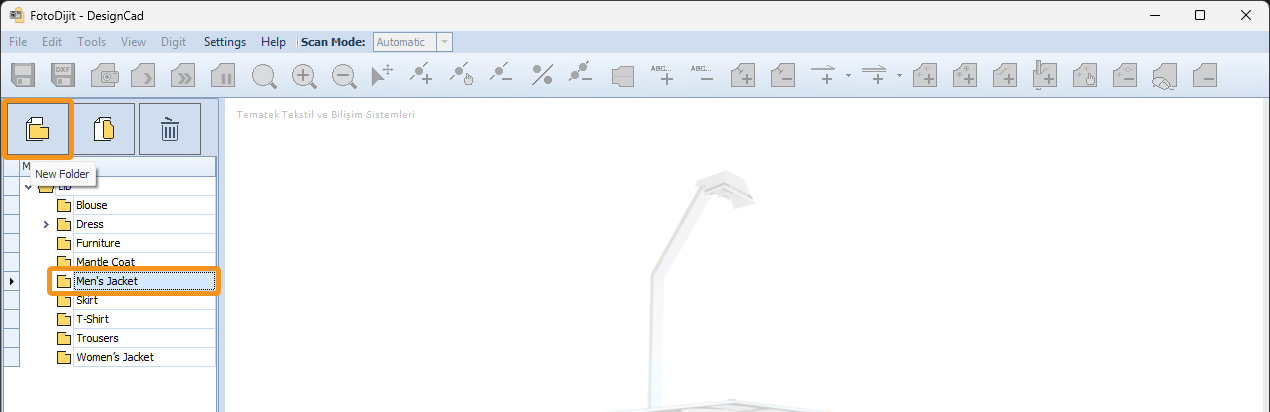
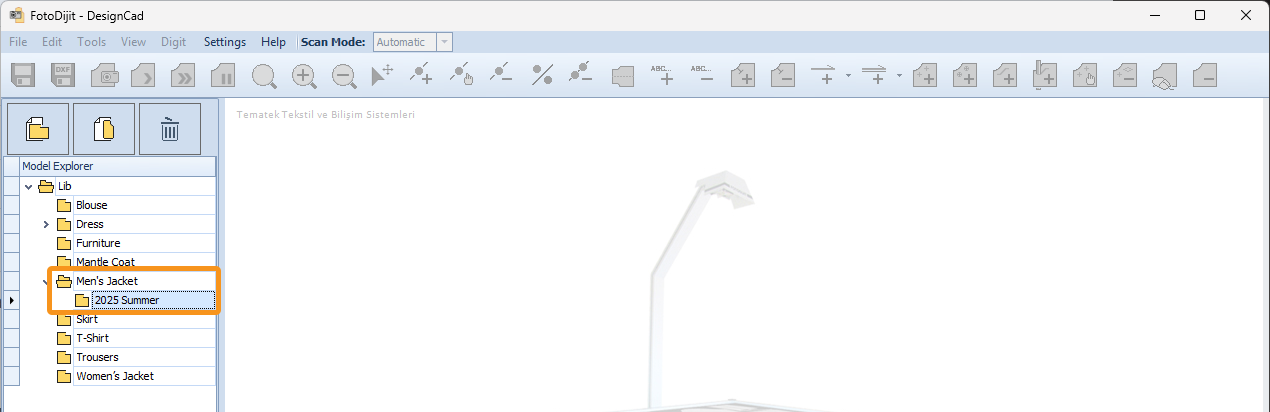
3.) In the Folder Name window that appears, enter a name for the new folder.

4.) Confirm by clicking OK.
© 2026 DesignCad