Fabric Layer and Text Operations

 Add Fabric Fold
Used to add a fabric fold to the digitized piece.
1.) Select the Piece Fold function from the top menu.
2.) Select the first and then the second point on the piece where the fabric fold will be created. (The selection can be made clockwise or counterclockwise.)
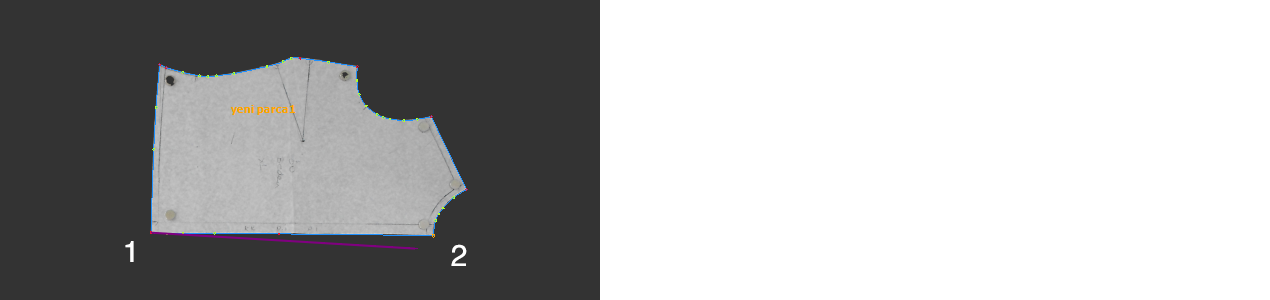
3.) After selecting the second point, the Fabric Grain window will appear. Choose the point where the notch will be added and confirm by clicking OK.

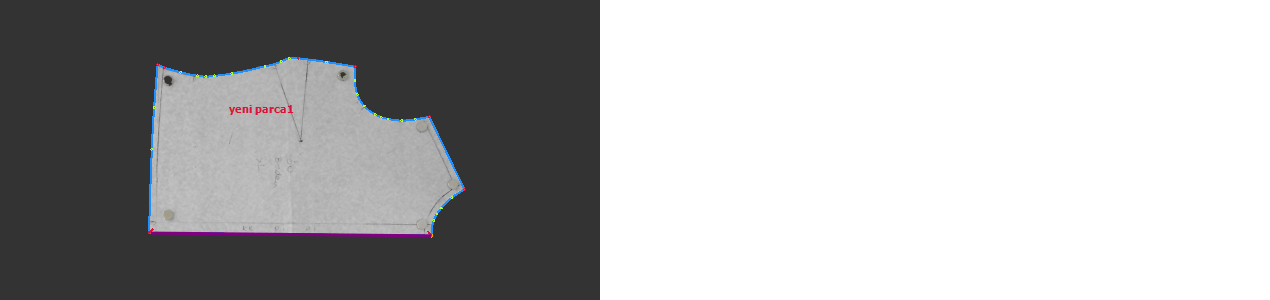
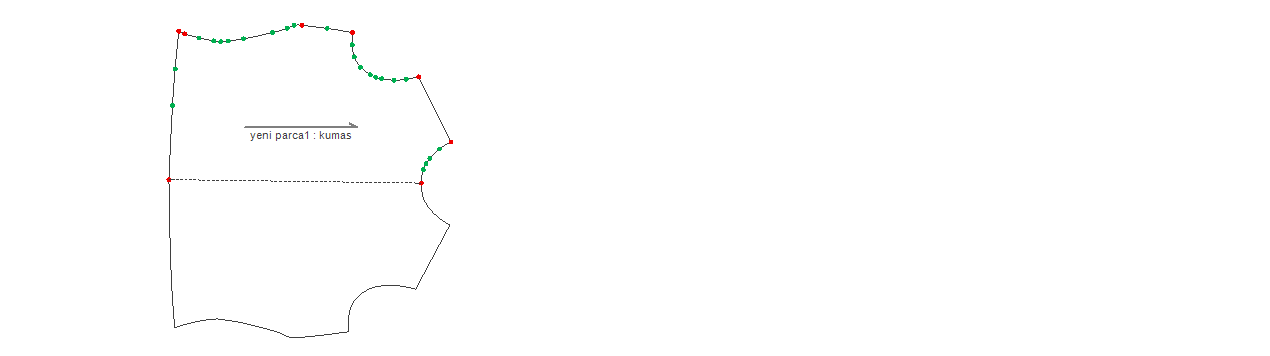
4.) Intermediate points on the selected line are automatically removed. (The created fabric fold will not be visible on this screen, but it will be visible when the model is opened in the DesignCad pattern design screen.)
 Add Internal Text
Used to add internal text inside the digitized piece.
1.) Select the Add Inside Writing function from the top menu.
2.) Define the text line by selecting the first and second points of the line inside the piece where the text will be placed.
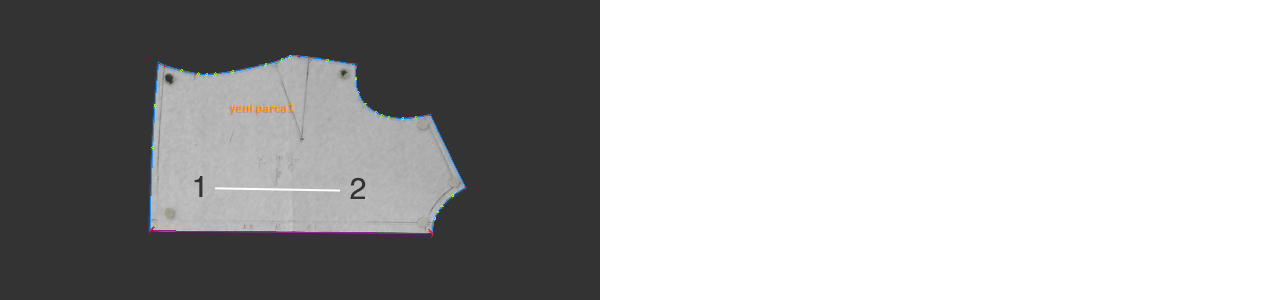
3.) In the dialog window, enter the desired text in the Text field, specify the size in the Size field, and confirm by clicking OK.

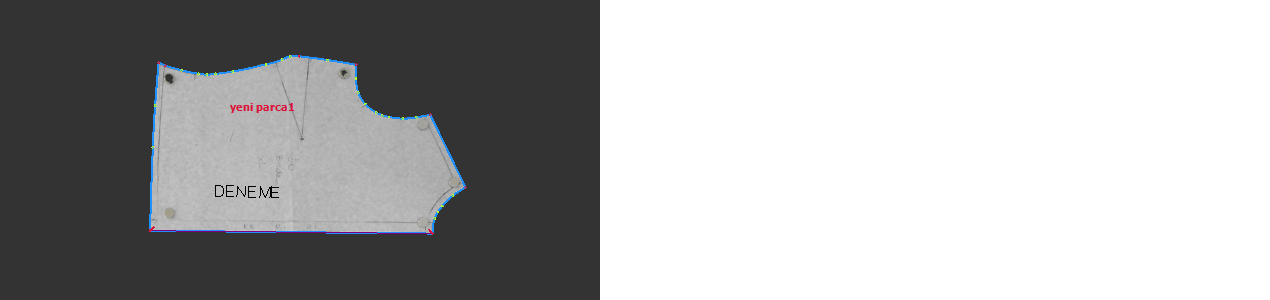
To delete the text, select the Delete Inside Writing  function from the top menu and click on the text to be removed.