Settings
This section is used to configure program settings and customize them according to the user. It can be accessed from the main screen by selecting Settings → Options.
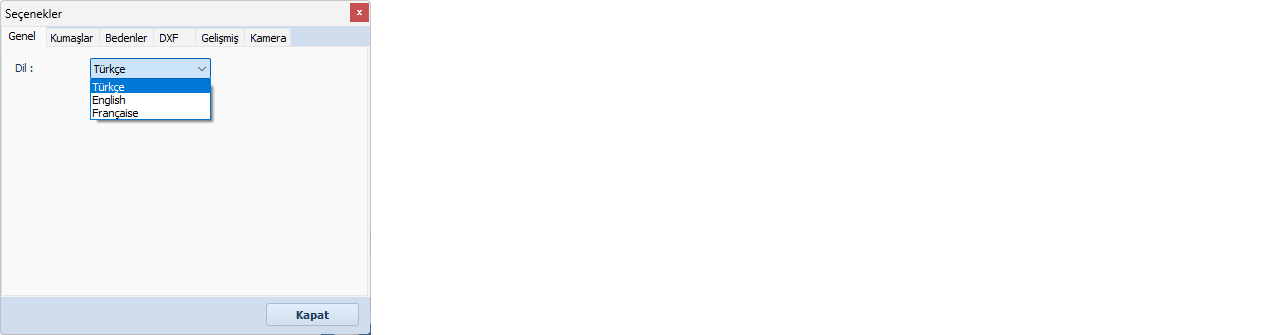
The first tab in the window is the General tab.
From here, you can select the program language: Turkish, English, or French.
The Fabrics tab contains all defined fabrics.
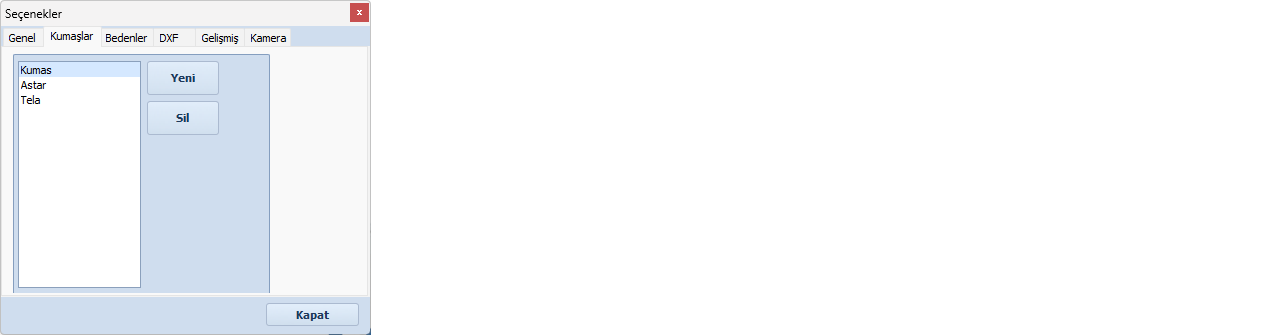
Fabrics entered during model creation are automatically saved.
If needed, new fabrics can be added using the Add  button.
You can select any fabric from the list and remove it using the Delete  button.
The Sizes tab contains the size sets defined during model creation in Fotodijit.
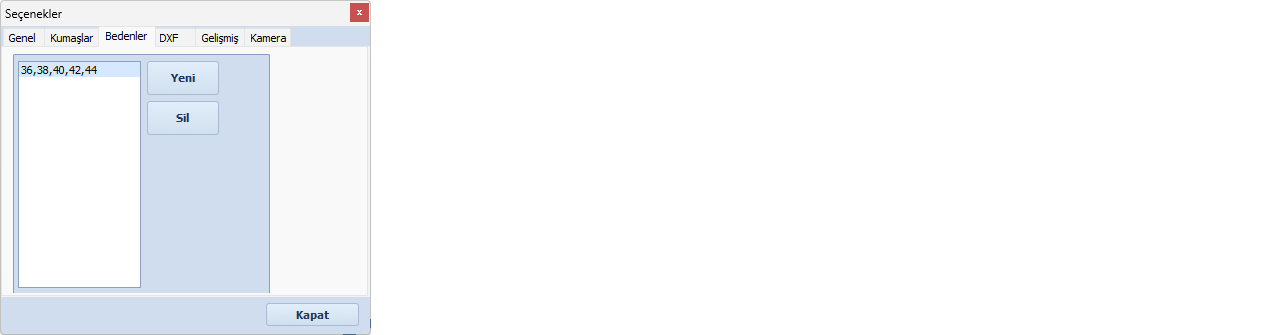
New sizes can be added from this tab, and selected size sets can be removed using the Delete button.
The Advanced tab is used to define calibration settings and the delete password.

- Scale Factor: After calibration, additional scaling values for the X and Y axes can be defined here if needed.
- Password: The password entered here is used for file deletion operations and can be changed by the user.
This tab is used to configure connection and image settings according to the connected camera model.
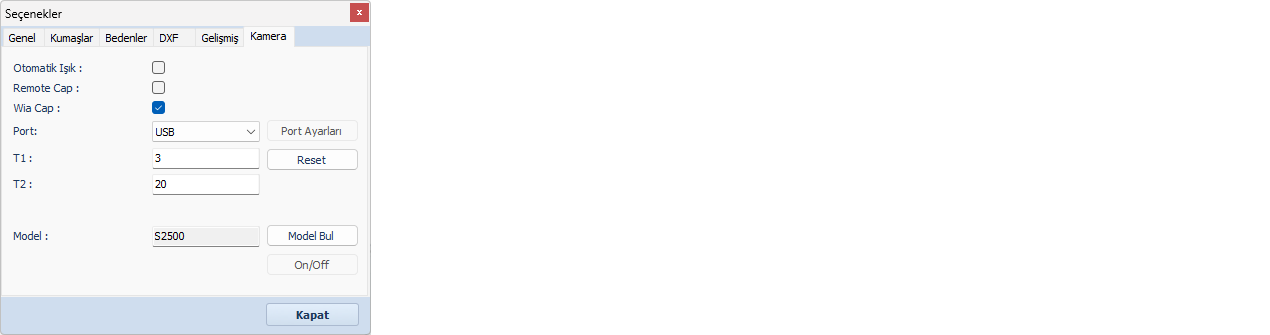
- Auto Light: Enables or disables automatic lighting settings depending on the camera model.
- Remote Cap / WIA Cap: Defines the image capture method based on the camera model. (Canon cameras: Remote / Nikon cameras: WIA)
- Port: Selects the connection type used to connect the camera to the computer (e.g., USB, COM1, COM2, etc.)
- T1 / T2: Represents the camera connection ports on the computer.
- Model: Displays the selected camera model. When the camera is connected for the first time, click Find Model to detect and select it automatically.
 | Settings in this tab require advanced technical knowledge. Incorrect configurations may negatively affect system performance. For safe and proper use, please contact Tematek Textile and Information Systems for technical support. |