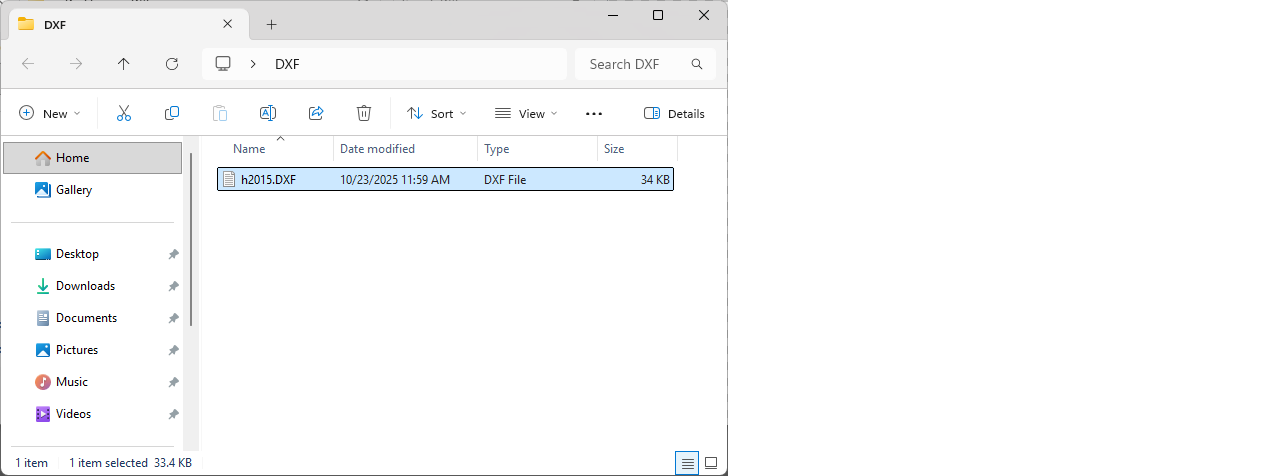
Export DXF
It is used to save the digitized patterns in DXF/Aama format.
1.) After the pattern digitizing process is completed, click the Save as DXF  icon from the top menu.
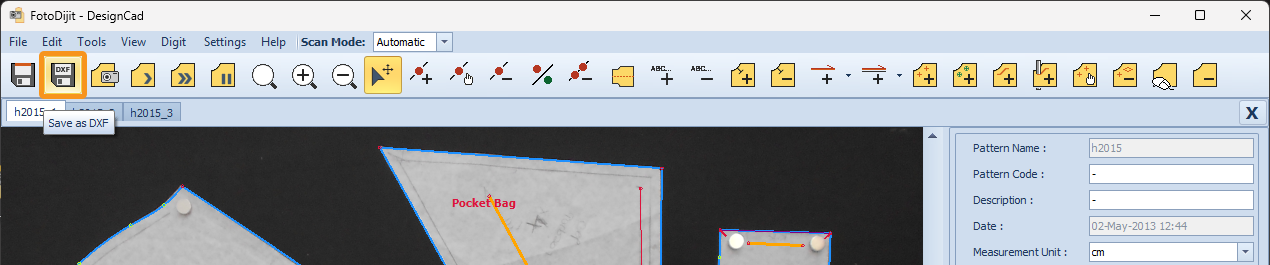
2.) In the DXF Export window that appears, click Browse to select the location where the DXF file will be saved.

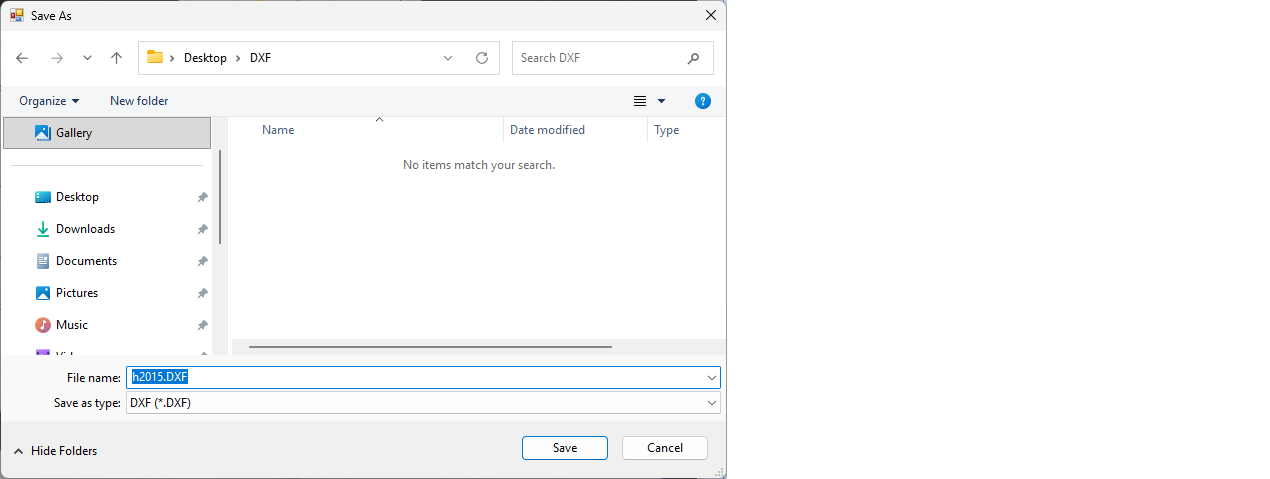
3.) In the Save As window that appears, choose the save location and click Save.
The File Name field is automatically filled with the model name, but you can change it at this stage if desired.
4.) In the DXF Export window that appears, click Export to save the model file in DXF format.